
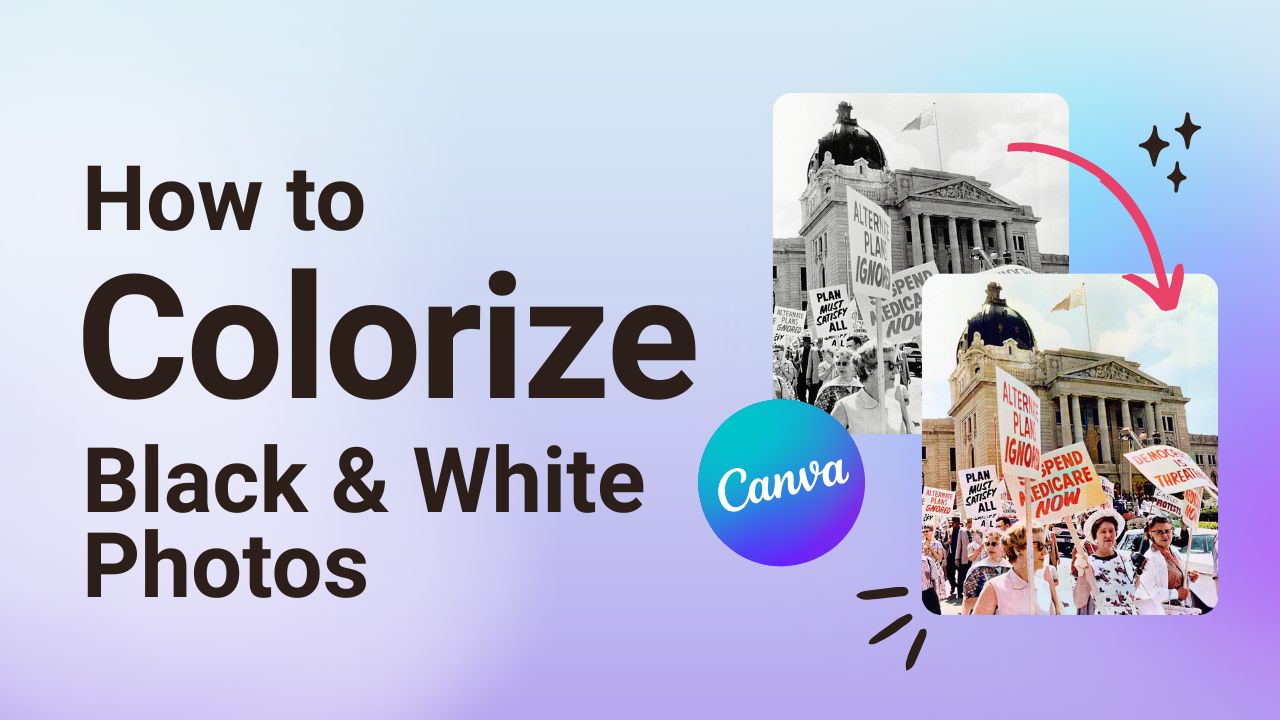
Add Colour to Black & White Photos 📷
Learn how to turn a black and white photo into a coloured one within seconds using Canva.

Quick Summary: Adding Colour to Black and White Photos
Using Canva's native Colorize app, we'll show you how to breathe life into old photos. You'll also learn how to edit the photos by modifying the temperature, contrast, brightness, and more.
Colorizing an older photograph is a great way to preserve history and highlight past moments in your union’s story in a simple and easy way. 🖼️
STEP-BY-STEP
How to Add Colour to Black & White Photographs
Follow this step-by-step Canva tutorial and turn old photos into vibrant ones!
- Upload your photo to Canva by clicking on the Uploads tab in the left-hand menu.
2. Add the image to your workspace by dragging and dropping it into place.
3. Click on Apps in the left-hand menu.
4. Enter the word “Colorize” into the search field and hit Enter. Click on the Colorize app.
5. Select the image you’d like to add colour to by clicking on it. Then, click on the Colorize and Replace button on the left-hand side of your screen.
This will instantly transform your photo by adding colour to it!
And, that’s it! You’re all set and ready to add a QR code to any document or design within Canva.
BONUS STEPS
How to Edit a Colorized Photo
While the Colorize app does a pretty good job of adding colour to your old photos, you may want to play around with some of the settings to make it just right.

- Select the image and then click on Edit. You can find this towards the top of your screen.
2. Click on Adjust. This will take you to several options that you can modify including Temperature, Tint, Contrast, Brightness, and much more.
3. Make your adjustments and that’s it, you’re all set!
Looking for FREE union-friendly Canva templates? Join CALM by visiting calm.ca.
Looking for more? Browse through our other Canva tutorials